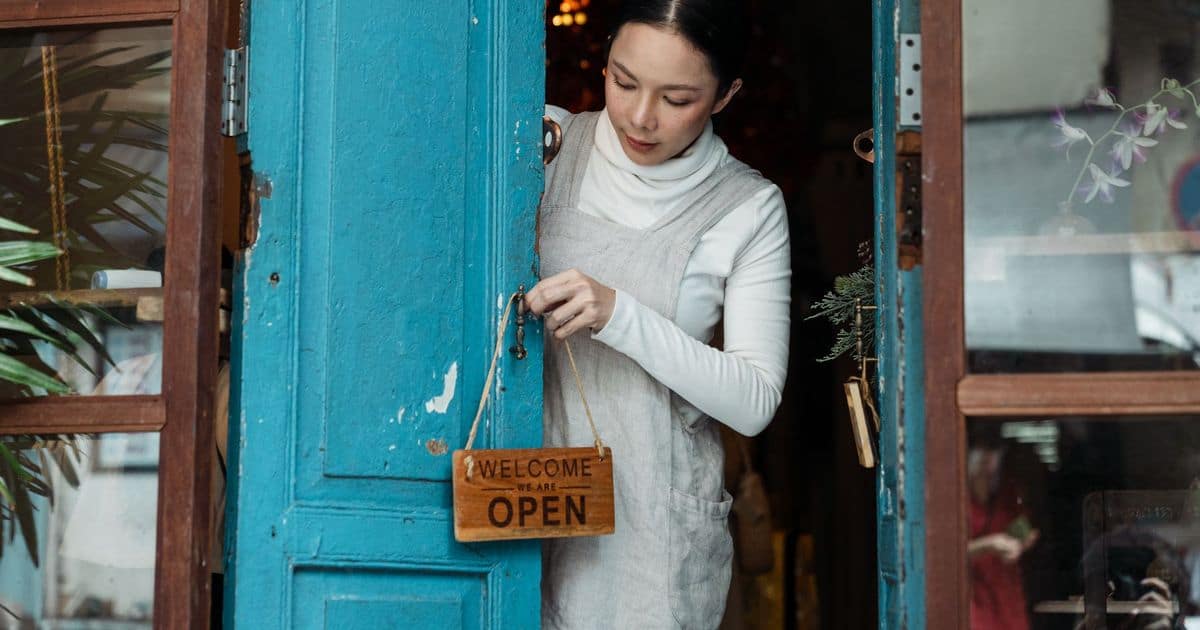
Small Business Saturday 2026: A 4-Week Checklist for Local Businesses
Small Business Saturday is November 28, 2026. Here's a week-by-week checklist to get your Google profile, offer, reviews and follow-up ready in time.
Small Business Saturday falls on November 28, 2026, the Saturday after Thanksgiving. It's one of the few days of the year when shoppers go looking for local businesses on purpose. The businesses that do well usually aren't the ones with the biggest discount. They're the ones people can find, trust and reach without any effort.
This checklist works backward from the day itself. Four weeks is enough time to get the basics right.
Small Business Saturday is a program created by American Express. Milestone Growth isn't affiliated with or endorsed by American Express.
What is Small Business Saturday, and who can take part?
American Express started Small Business Saturday in 2010 to encourage holiday shopping at local, independent businesses. There's no application and no fee to take part. Any small business can run an offer or an event that day. American Express also offers free Shop Small materials, such as signage, on its official site. Check there for what's available this year.
It isn't only for shops. Restaurants, salons, contractors selling gift certificates, and churches or nonprofits hosting a holiday market can all use the day to reach neighbors.
Week 1 (Nov. 2–8): Make sure people can find you
- Check your Google Business Profile. Confirm your name, address or service area, phone number, website and categories.
- Add special hours. Set hours for Thanksgiving, Black Friday, Small Business Saturday and the weeks after.
- Add a few current photos. Show your storefront, your products and your team as they look today.
- Test your website on a phone. Can someone find your hours, address and how to buy in about ten seconds?
Our Google Business Profile optimization guide walks through each profile field in more detail.
Week 2 (Nov. 9–15): Pick one clear offer
One simple offer beats five complicated ones. If you can't explain it in one sentence, simplify it. Decide now how you'll know whether it worked.
| Offer idea | Works well for | How to track it |
|---|---|---|
| Gift card bonus (buy $50, get $10) | Restaurants, salons, services | Count bonus cards issued |
| Free add-on with a purchase | Retail shops | Count add-ons handed out |
| Early-bird hours or a small event | Shops with a loyal following | Headcount or sign-in sheet |
| A workshop or demo | Hobby, craft and specialty stores | Sign-ups |
| Holiday market or open house | Churches and nonprofits | Visitors and new email sign-ups |
Choose something your margins can support.
Week 3 (Nov. 16–22): Tell people where they'll see it
- Your Google Business Profile. Post an update with the offer and the date.
- Your email list. Send one email this week and a short reminder the day before.
- Social media. Share a short countdown with a photo of the offer.
- In person. Put a sign at the counter and a line on receipts.
- Your neighbors. Ask nearby businesses to cross-promote, or plan a shared walking route.
For more ideas, see our 12 strategies for generating local leads.
Week 4 (Nov. 23–28): Get ready for the day itself
- Brief your staff. Everyone should be able to explain the offer in one sentence.
- Print your Google review QR code. Put it near the register. Our guide to finding your Google review link and QR code shows how. Ask every customer the same way, and never tie a review to a discount.
- Collect email addresses with permission. A simple sign-up sheet lets you follow up after the holidays.
- Take photos. With permission, capture the day for next year's promotion.
What should you do after Small Business Saturday?
- Within two days: email new subscribers a thank-you, and send review requests to customers.
- Reply to every new review, good or bad.
- Write down the results: offer redemptions, sales compared with a normal Saturday, and new email sign-ups.
- Put what worked on next year's calendar.
Our small business digital marketing checklist covers the habits that keep customers coming back after the holidays.
How can Milestone Growth help?
Milestone Growth is an online workspace for small local businesses. You can send email review requests to customers one at a time, in your business's name. Every customer sees your Google review link. AI drafts a reply to each review, and you approve or edit it, then post it on Google yourself. On the Growth Big plan, you can also send email campaigns with open and click tracking and plan social posts on a calendar. When a post is due, you get an email with the prepared post to share yourself.
New sign-ups get a free 14-day trial with every feature unlocked, and no credit card is needed. See plans and pricing, or talk to a person on our team.
Frequently asked questions
When is Small Business Saturday 2026?
Saturday, November 28, 2026, the Saturday after Thanksgiving.
Do I have to sign up to take part in Small Business Saturday?
No. Any small business can run its own offer or event that day without signing up or paying a fee. American Express offers optional free marketing materials on its Shop Small site.
What should a small business offer on Small Business Saturday?
One simple offer that's easy to explain and easy to track, such as a gift card bonus or a free add-on with a purchase. Pick something your margins can support.
Can I give a discount to customers who leave a Google review?
No. Google treats any incentive for a review as fake engagement. Ask every customer for an honest review, and keep your holiday discount separate from reviews.
How do I add holiday hours to my Google Business Profile?
Open your Business Profile, choose Edit profile, then Hours, and add special hours for each date, such as Thanksgiving and Small Business Saturday.
Related resources
- Google Business Profile optimization
- How to find your Google review link and QR code
- How to generate more local leads
- Small business digital marketing checklist
- Shop Small — American Express
- Set special hours — Google Business Profile Help
- Prohibited & restricted content — Maps User Generated Content Policy
Want help putting this into practice? Milestone Growth specializes in local SEO and digital growth services — and you can also explore our local maps SEO services to see exactly how we can help your business grow.
Start your free 14-day trial — every feature unlocked, no credit card, no contract.
Related Posts
How to Rank Higher on Google Maps: A Practical Local SEO Guide
Improve your Google Maps visibility with a practical, guideline-safe plan for profile accuracy, relevance, reviews, local pages, citations, and measurement.
Read
The Ultimate Small Business Digital Marketing Checklist for 2026
Use this complete digital marketing checklist to improve your website, local SEO, Google Business Profile, reviews, content, and lead generation to grow your small business in 2026.
Read
How to Generate More Local Leads: 12 Proven Strategies That Grow Small Businesses
Learn 12 proven lead generation strategies that help small businesses attract qualified local customers, increase inquiries, and turn more prospects into paying clients.
Read