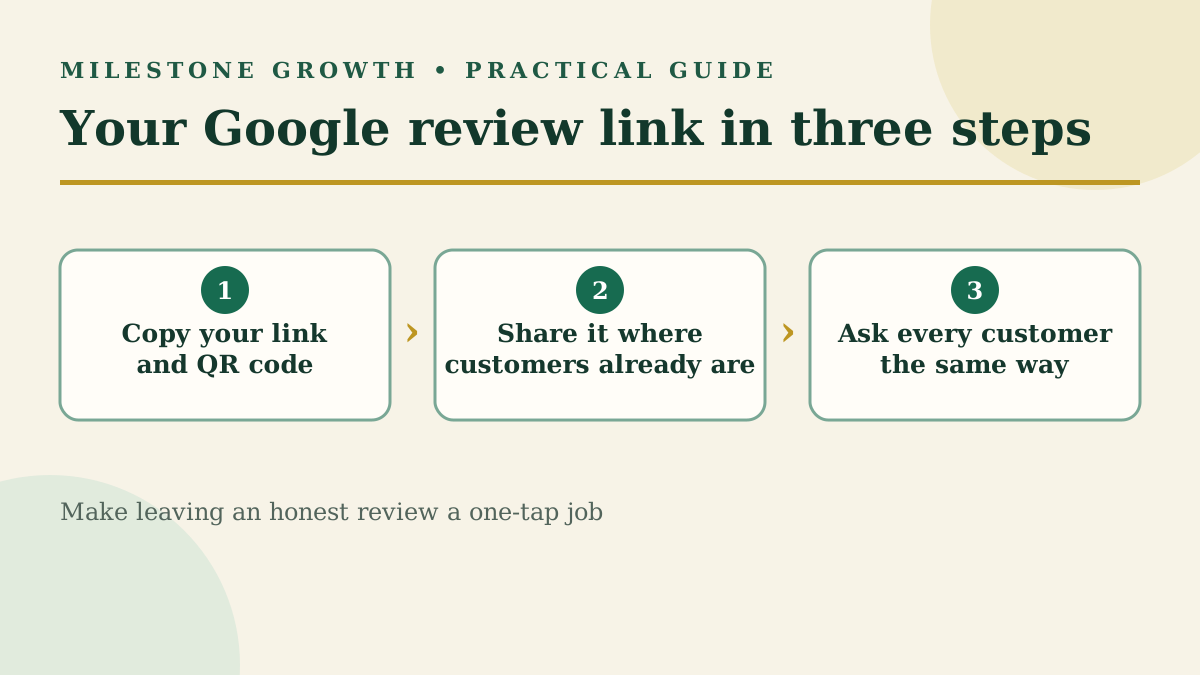
How to Find Your Google Review Link and QR Code (+ Request Templates)
Find your Google review link and QR code in under a minute, plus copy-and-paste request templates and the rules Google enforces when you ask.
A Google review link is a short web address that opens the "write a review" box for your business directly. No searching, no scrolling, no wondering if they found the right listing.
That matters because most customers are willing to leave a review — they just won't go looking for where to do it. Every extra tap loses people. A direct link turns "I'll do it later" into a 30-second job done on the spot.
Think of this as the hands-on companion to our 12 strategies for getting more Google reviews. It works the same for a shop, a contractor, or a church welcoming first-time visitors.
How do you find your Google review link and QR code?
Google builds the link for you inside your Business Profile. Sign in to the Google account that manages your profile first.
- Go to your Business Profile — either business.google.com or search your business name on Google while signed in.
- Select Read reviews, then Get more reviews.
- To copy the link, select Copy.
- To save the QR code, right-click it and choose Save image as…
Two things to know:
- The QR code only appears on a computer. Google currently generates review QR codes in a desktop browser, not on a phone. The link itself works anywhere.
- Test it before you send it. Paste the link into a private or incognito browser window. It should open your business with the review box ready.
No access to the profile? Third-party "review link generators" can build a link from your business's Place ID. They work, but the link from your own profile is the official one — use it whenever you can, and get access to your profile if you don't have it.
Where should you share your link, and when should you ask?
The best moment to ask is right after the visit or job: the work is finished, the order arrived, the problem got solved. Ask within a day, while the experience is fresh.
| Where | How to use it |
|---|---|
| Text message | Send the link the same day the job wraps up. Short and personal works best. |
| Thank-you or follow-up email | Put the link on a clear button near the top, not buried in the footer. |
| Receipts and invoices | Add the link or QR code with a one-line ask. |
| Counter, table or front desk | Print the QR code on a small sign or table tent. |
| End of a chat or support ticket | Drop the link once the issue is resolved. |
| Email signature | A quiet, always-on reminder for clients you email often. |
Pick one or two that match how you already talk to customers. A consistent habit beats a burst of asking once a year.
What should a review request say?
Swap in your details and keep it short. Each one asks every customer the same way — no screening for happy ones first.
Text message: “Hi [Name], thanks for choosing [Business] today! If you have 30 seconds, an honest review on Google would mean a lot to our small team: [link]”
Follow-up email: “Subject: How did we do, [Name]? — Thank you for trusting [Business] with [service]. We’d love to hear how it went. Your honest feedback helps neighbors find us and helps us get better. [Leave a Google review button] Thanks again, [Your name]”
In person: “Thanks so much — we’re a local business, and Google reviews really help people find us. If you’d ever like to leave an honest one, this card has a QR code that takes you straight there — whenever suits you.”
Gentle reminder (send once, 3–5 days later): “Hi [Name], just a quick reminder in case it slipped by — here’s the link if you’d like to share your experience: [link]. Thanks either way!”
Church or nonprofit, after an event: “Thanks for joining us for [event], [Name]! If you’d like to share your experience, an honest Google review helps neighbors find us: [link]”
What doesn't Google allow when you ask for reviews?
Google encourages businesses to ask for reviews, as long as the reviews reflect a genuine experience. Break these rules and Google can remove the reviews or restrict your profile.
| Don't | Why it's a problem |
|---|---|
| Offer a discount, freebie, gift card or entry into a giveaway for a review | Google counts any incentive as paid, fake engagement |
| Ask only happy customers ("review gating") | Google prohibits selectively soliciting positive reviews |
| Pressure someone to review while they're still at your location | Google says businesses shouldn't require or pressure on-site reviews |
| Tell customers what to write, or ask them to name a staff member | Google bans requesting specific content |
| Give staff a quota of reviews to collect | Also listed as prohibited by Google |
| Review your own business, or have employees and family do it | Conflict of interest — those reviews get removed |
The safe pattern is simple: ask every customer the same way, make it easy, and let them say whatever they honestly think. If you also offer a private-feedback option, show it alongside the Google link — never instead of it.
How can Milestone Growth send these for you?
Milestone Growth sends personalized review requests by SMS and email, with your customer's name and the service they received, plus an automatic follow-up so you don't have to remember. Every customer sees your Google review link, with an optional private-feedback route to you alongside it. New reviews land in one dashboard, where AI drafts a reply you can approve and post. See the features.
Got a bad one already? Read how to remove a Google review and how to respond to Google reviews.
Frequently asked questions
How do I get a Google review link?
In your Business Profile, select Read reviews → Get more reviews → Copy. It takes under a minute.
Can I get a Google review link without a Business Profile?
Third-party generators can build one from your Place ID. But you'll need a claimed, verified profile to reply to reviews, so it's worth setting that up anyway.
Why can't I see the QR code?
Google only generates review QR codes in a computer browser. Switch from your phone to a desktop or laptop.
How many Google reviews do I need?
There's no magic number. What helps most is a steady flow of recent reviews, so make asking part of your routine instead of a one-time push.
Can I offer a discount for leaving a review?
No. Google treats any incentive as fake engagement, even if you don't ask for a positive review.
Sources
- Create a Google link or QR code to request reviews — Google Business Profile Help
- Prohibited & restricted content — Maps User Generated Content Policy
Want help putting this into practice? Milestone Growth specializes in improving your small business's online visibility — and you can also explore our Google review tools to see exactly how we can help your business grow.
Start your free 14-day trial — every feature unlocked, no credit card, no contract.
Related Posts
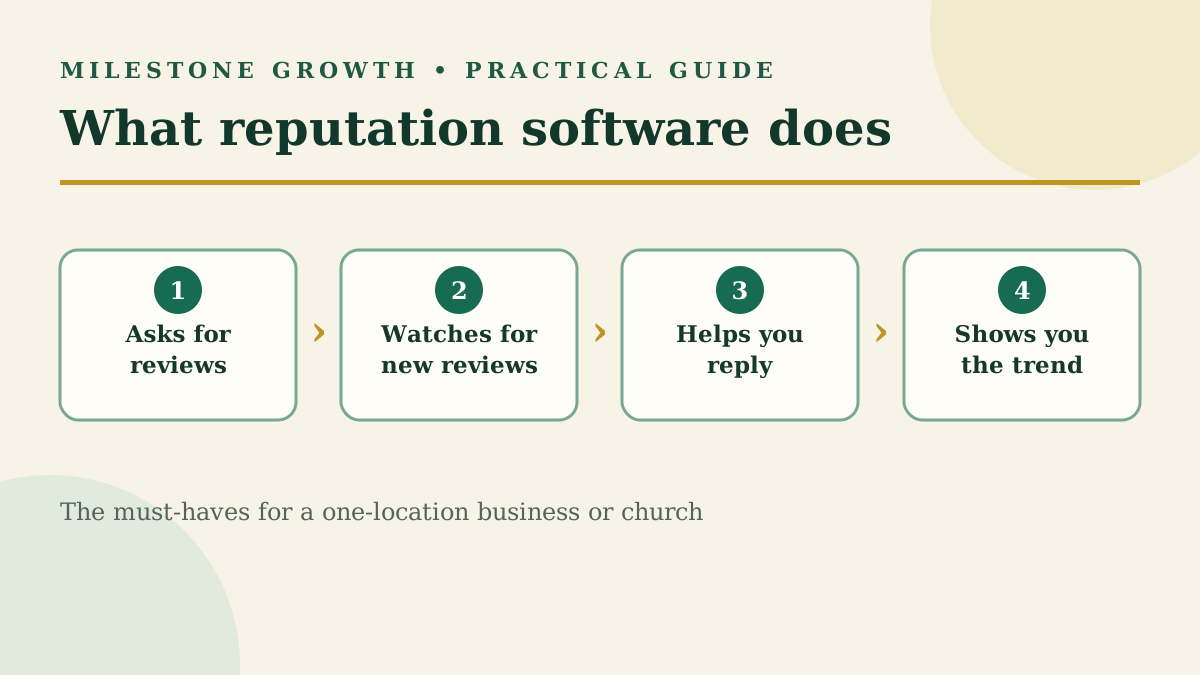
Reputation Management Software for Small Businesses: A Buyer's Guide
Most reputation software is built for big brands and agencies. Here's what a single-location business or church actually needs, what to skip, and what to ask before you sign.
Read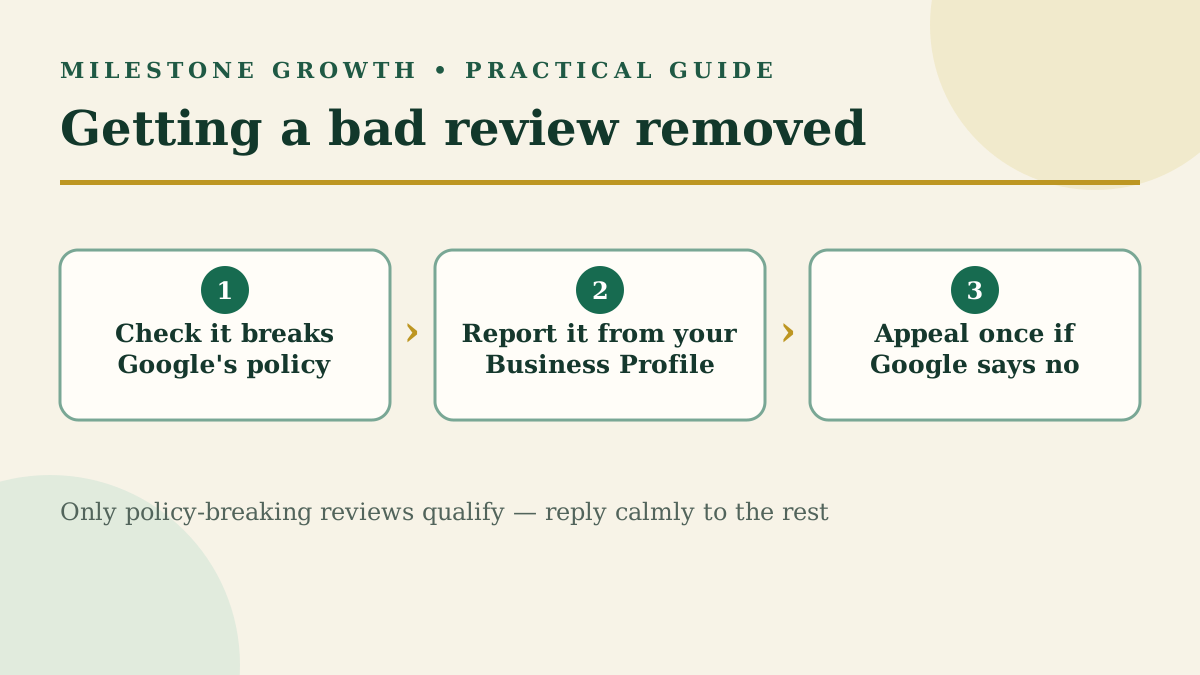
How to Remove a Google Review: What Google Will (and Won't) Delete
Business owners can't delete Google reviews, but policy-breaking ones can be removed. Here's the exact reporting and appeal process, step by step.
Read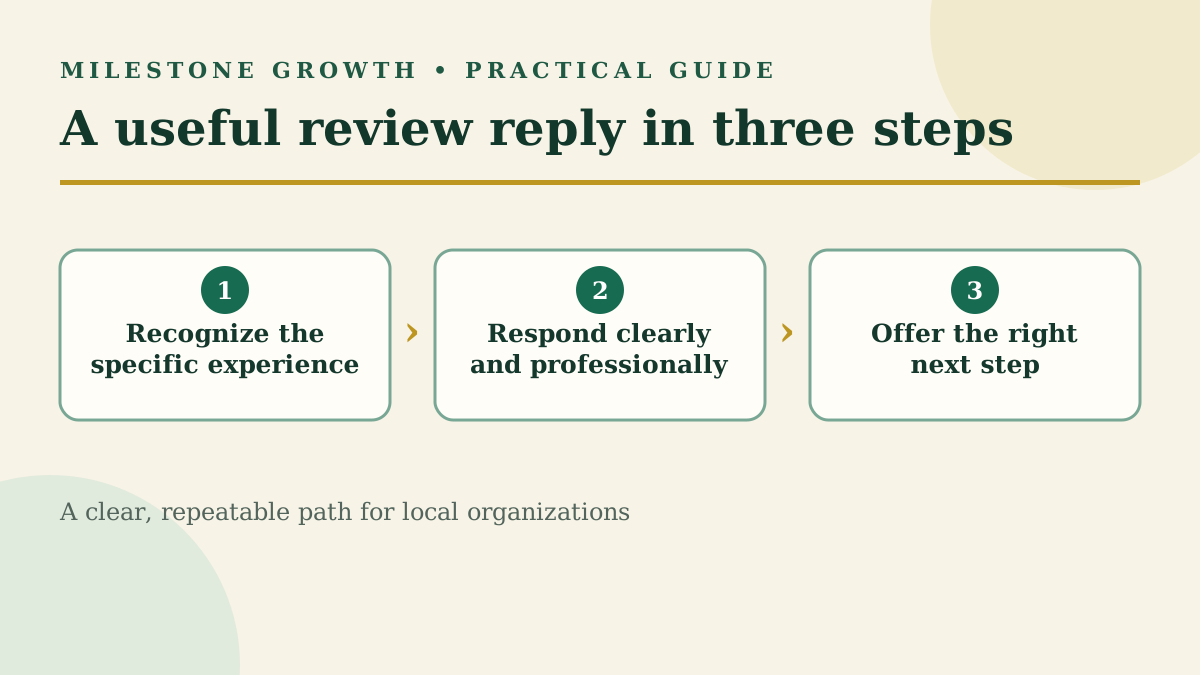
How to Respond to Google Reviews (With Examples for Every Star Rating)
Learn how to respond to Google reviews with practical examples for positive, mixed, and negative feedback—without sounding copied or defensive.
Read