Reputation Management Software for Small Businesses: A Buyer's Guide
Most reputation software is built for big brands and agencies. Here's what a single-location business or church actually needs, what to skip, and what to ask before you sign.
Search for reputation management software and you'll find rankings built for national brands, multi-location franchises and marketing agencies. Those tools are powerful. They're also priced, contracted and staffed for companies with a marketing department.
If you run one location — a shop, a contractor business, a practice or a church — you need a much shorter list of features, and a much simpler way to buy. This guide explains what the software does, the five kinds of tools on the market, what to insist on, what to skip, and the questions to ask before you sign anything.
What does reputation management software do?
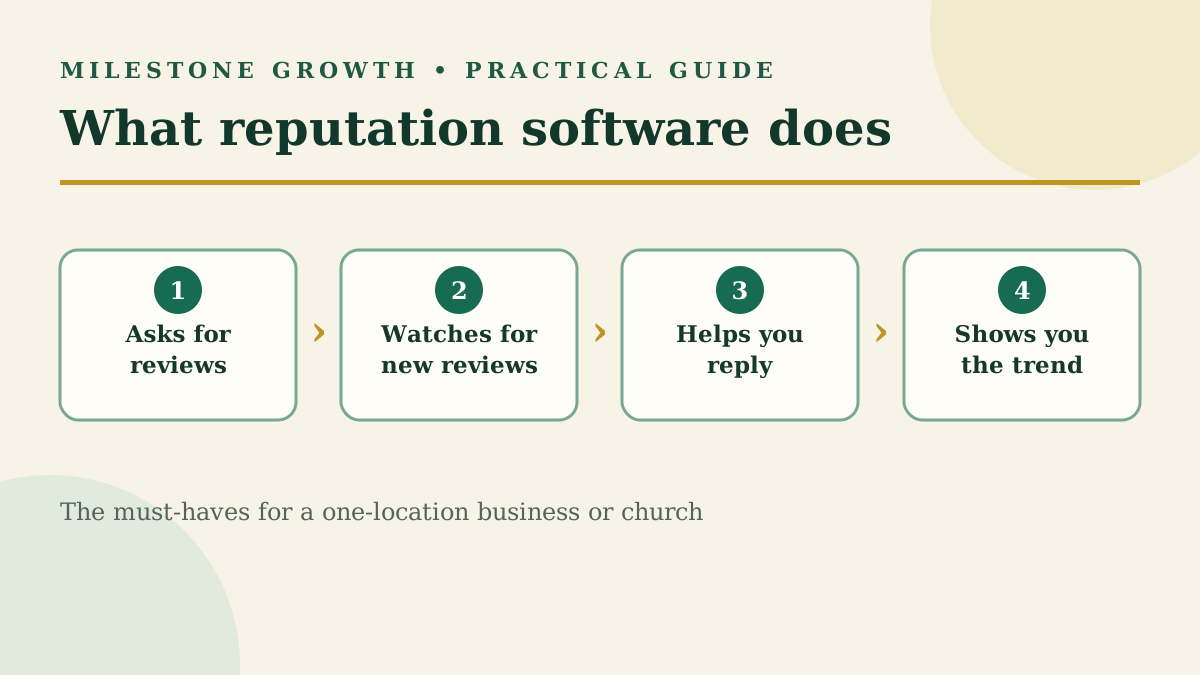
At its core, it handles four jobs you'd otherwise do by hand:
- Asks for reviews. It sends review requests by text or email after a visit or job, with a direct link to your Google review form.
- Watches for new reviews. It alerts you when a review appears on Google and other sites, so nothing sits unanswered.
- Helps you reply. Many tools now draft a reply with AI for you to edit and approve.
- Shows you the trend. A dashboard tracks review count, average rating and how your requests are performing.
Everything else — social listening, surveys, call tracking, website chat, white-label agency dashboards — is an add-on. Some businesses need those. Most single-location businesses don't, at least not yet.
What kinds of reputation tools are there?
Most products fall into one of five groups. The right group matters more than the right brand.
| Kind of tool | Example | Built for | Watch out for |
|---|---|---|---|
| Enterprise reputation suite | Birdeye | Multi-location brands with a marketing team | Custom quotes and annual contracts |
| Messaging-first platform | Podium | Businesses that run customer texting through one inbox | Paying for messaging features you won't use |
| All-in-one business platform | Thryv, Broadly | Owners who want CRM, scheduling, calls or invoicing in the same tool | A learning curve and multi-month contracts |
| Autonomous AI agent | Merchynt (Paige) | Owners comfortable with AI acting on their profile unsupervised | No person reviewing what's posted in your name |
| Focused review tool | Milestone Growth | One-location businesses and churches that mainly need reviews handled well | Fewer extras — by design |
Our comparison posts, linked above, go deeper on each one. Vendors change pricing and terms often, so confirm the current details on their sites before deciding.
What features does a small business actually need?
Start with the must-haves. Add the rest only when you have a specific problem they solve.
| Must-have | Why it matters |
|---|---|
| Review requests by text and email | Most customers will review if asked at the right moment |
| A Google review link for every customer | Asking everyone is both effective and required by Google |
| New-review alerts | A bad review answered in a day looks very different from one ignored for a month |
| AI-drafted replies you approve | Saves time without posting anything you haven't read |
| A simple dashboard | Review count, rating trend and request results in one place |
| Month-to-month billing | You should be able to leave if it isn't working |
| Usually skip for now | When it's worth adding |
|---|---|
| Social media listening | You're a known brand people discuss online |
| Multi-location dashboards | You open a second location |
| Customer survey programs | You have staff to act on the results |
| White-label agency features | You resell marketing services to clients |
| Call tracking and website chat | Your leads mostly come by phone and you're not tracking them today |
What should you ask before you sign?
Ask every vendor these, in writing if you can:
- Is it month-to-month? If not, how long is the contract and what does it cost to leave early?
- What's the real monthly total? Ask about setup fees, per-location fees and text-message limits.
- Is there a free trial, and does it include everything?
- Does every customer see the Google review option? Or does the tool screen customers first?
- Do I approve replies before they post? Or does AI post on its own?
- What happens to my data and Google access if I cancel? Your Business Profile should always stay in your own name.
- Who do I call when I need help? A person, a ticket queue, or a chatbot?
Which red flags should end the conversation?
Walk away from any tool or agency that:
- Sends only happy customers to Google. Google prohibits selectively asking for positive reviews, often called review gating.
- Offers or encourages incentives for reviews — discounts, gift cards, giveaways. Google treats these as fake engagement.
- Guarantees review removal. Only Google removes reviews, and only ones that break its policies. Our guide to removing a Google review explains the real process.
- Writes or buys reviews for you. Those get removed, and your profile can be restricted.
A private-feedback option is fine — as long as it sits alongside the Google link for every customer, never in front of it.
Where does Milestone Growth fit?
Milestone Growth is a focused review tool for single-location small businesses, churches and nonprofits. It covers the must-haves above:
- Personalized review requests by SMS and email, with automatic follow-up
- Your Google review link for every customer, with optional private feedback alongside it
- Alerts when new reviews appear on Google, Yelp and Facebook
- AI-drafted replies you approve or edit — then Copy reply & open Google lets you paste and post
- A plain-language dashboard of reviews, rating trend and request results
Plans start at $49 a month (Growth Starter) and run month to month — no contract, cancel anytime. See the full plan comparison. If you need multi-location dashboards for a large brand, an enterprise suite is the better fit.
Frequently asked questions
Is there free reputation management software?
Google Business Profile itself is free. It lets you read and reply to reviews and create a review link and QR code. Paid tools add automated requests, alerts, AI drafts and reporting.
How much does reputation management software cost?
It ranges from low monthly fees for focused tools to custom-quoted contracts for enterprise suites. Always ask for the full monthly total, including setup and per-location fees.
What's the difference between SEO and reputation management?
SEO helps people find you. Reputation management shapes what they think once they do. Reviews connect the two, since they show up right in Google's local results. Our local SEO tools buyer's guide covers the SEO side.
Do churches need reputation management software?
First-time visitors often look a church up on Google before they come, and reviews are part of what they see. A simple tool helps you invite every visitor to share an honest review and reply warmly to each one.
Sources
- Prohibited & restricted content — Maps User Generated Content Policy
- Create a Google link or QR code to request reviews — Google Business Profile Help
Want help putting this into practice? Milestone Growth specializes in local SEO and digital growth services — and you can also explore our Google review tools to see exactly how we can help your business grow.
Start your free 14-day trial — every feature unlocked, no credit card, no contract.
Related Posts
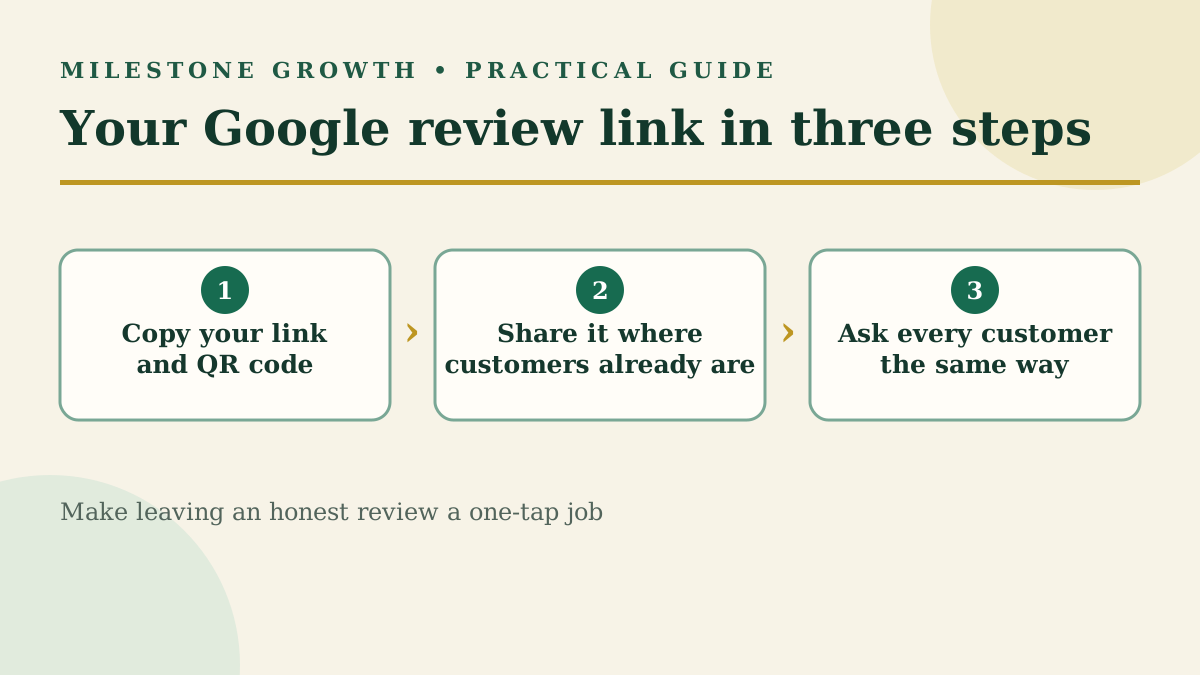
How to Find Your Google Review Link and QR Code (+ Request Templates)
Find your Google review link and QR code in under a minute, plus copy-and-paste request templates and the rules Google enforces when you ask.
Read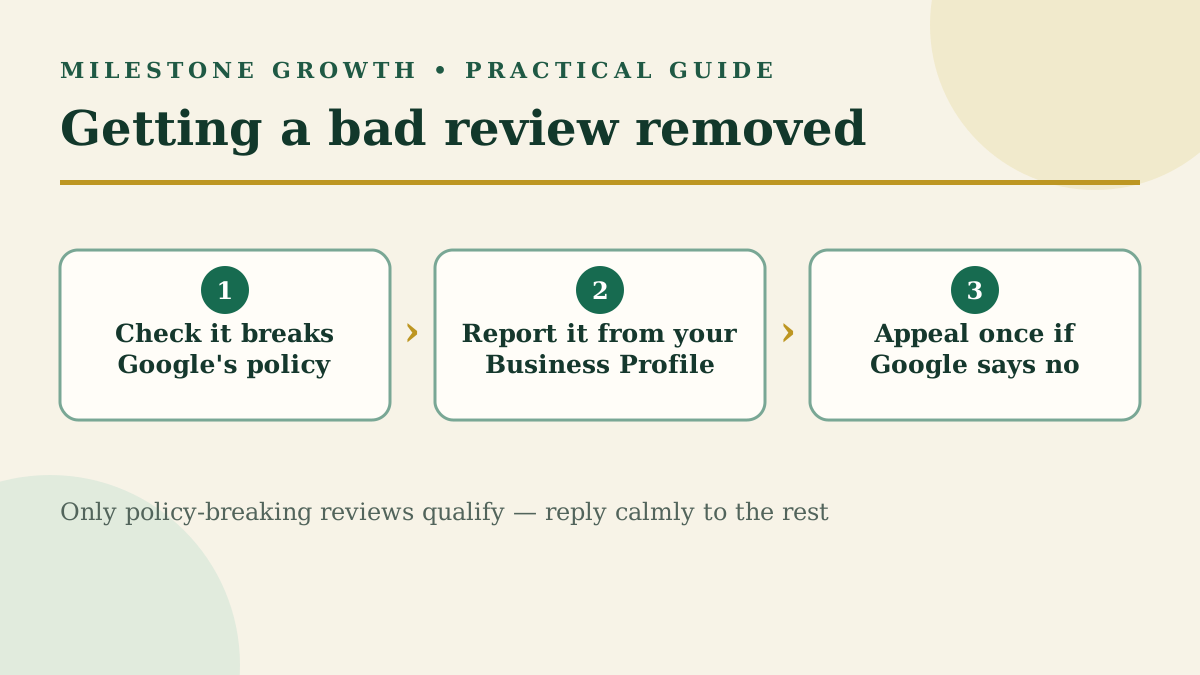
How to Remove a Google Review: What Google Will (and Won't) Delete
Business owners can't delete Google reviews, but policy-breaking ones can be removed. Here's the exact reporting and appeal process, step by step.
Read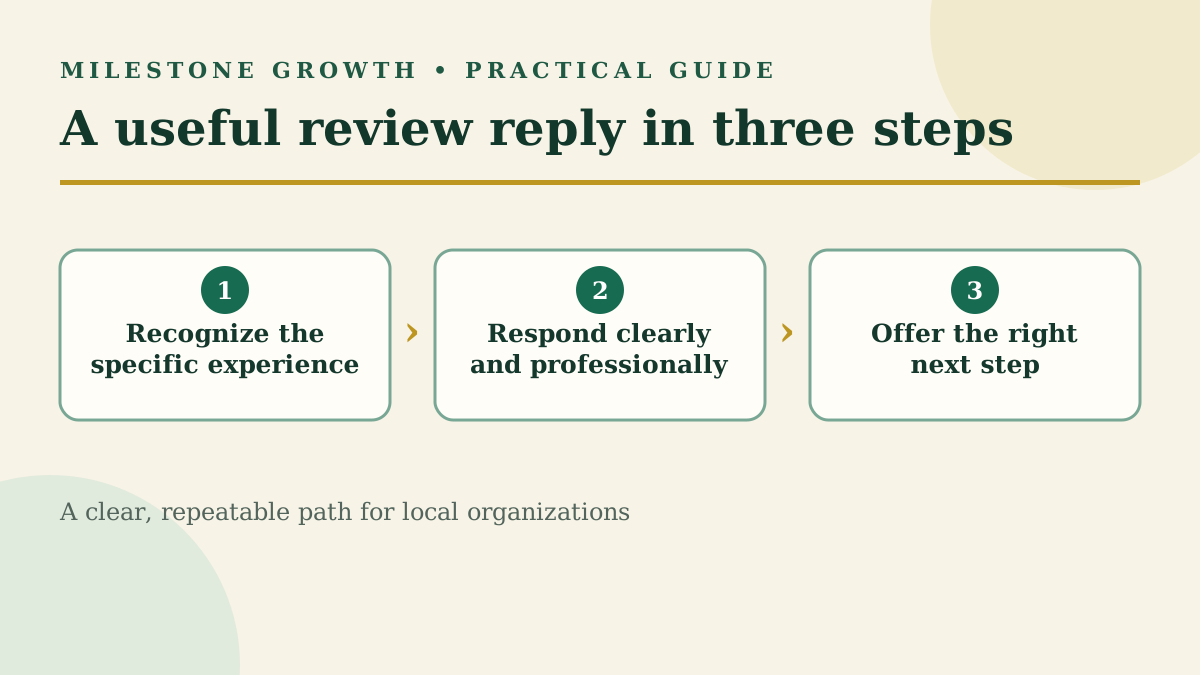
How to Respond to Google Reviews (With Examples for Every Star Rating)
Learn how to respond to Google reviews with practical examples for positive, mixed, and negative feedback—without sounding copied or defensive.
Read