How to Remove a Google Review: What Google Will (and Won't) Delete
Business owners can't delete Google reviews, but policy-breaking ones can be removed. Here's the exact reporting and appeal process, step by step.
If you run a business, church or nonprofit, you can't delete a customer's Google review yourself. There's no delete button on your Business Profile, and no one at Google will take a review down just because it's harsh or unfair.
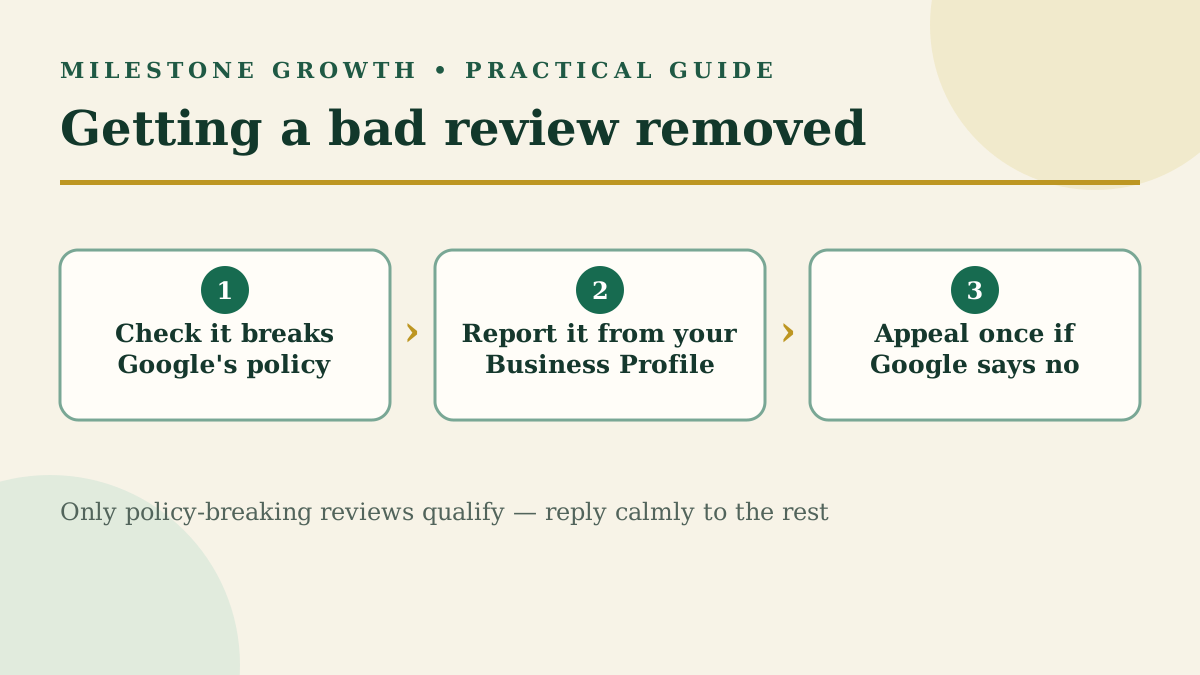
What you can do is report a review that breaks Google's content rules. If Google agrees, it disappears from Search and Maps for good. This guide walks through exactly which reviews qualify, how to report them, how to appeal a "no," and what to do when a review has to stay.
Wrote the review yourself? That part is easy. Open Google Maps, go to Your contributions → Reviews, tap the three dots next to the review, and choose Delete review.
Which Google reviews can be removed?
Google only removes reviews that violate its content policies. A one-star rating, a complaint you disagree with, or a story you remember differently doesn't count — Google says plainly that it stays out of disputes between businesses and their customers.
| Likely removable | Usually stays up |
|---|---|
| Spam or fake reviews (bots, review swaps, paid reviews) | An honest bad experience, even if exaggerated |
| Conflict of interest (a competitor, or a current or former employee) | A low star rating with no text |
| Off-topic content (politics, rants about something unrelated) | Criticism of your prices, staff or wait times |
| Profanity, harassment, hate speech or threats | A review you believe is unfair or one-sided |
| Someone's personal information (phone number, address) | A review from a real customer you have no record of |
| Impersonation, illegal or sexually explicit content | An old review about a problem you've since fixed |
If the review fits the left column, report it. If it fits the right column, skip to the section on replying — a report won't work, and you'll burn that review's only appeal.
How do you report a Google review for removal?
You need to be signed in to the Google account that manages your verified Business Profile.
Option 1: Flag it from your Business Profile
- Go to your Business Profile (business.google.com, or search your business name while signed in).
- Select Read reviews.
- Next to the review, select the Report icon.
- Pick the reason that matches the violation — for example, Spam, Conflict of interest or Profanity.
- Select Send report.
Pick the reason carefully. A fake review reported as "Profanity" is easier for Google to reject.
Option 2: Use the Reviews Management Tool
Google's Reviews Management Tool does the same thing, but it also lets you track every report in one place.
- Open the Reviews Management Tool from Google Business Profile Help.
- Confirm the email address tied to your Business Profile (or switch accounts).
- Select your business, then Report a new review for removal.
- Select Report next to the review, choose the reason, and submit.
How do you check the status?
Google says evaluation usually takes several days. Come back to the Reviews Management Tool to see where your report stands:
| Status | What it means |
|---|---|
| Decision pending | Flagged, not yet evaluated |
| Report reviewed – no policy violation | Google decided to leave it up; you can appeal once |
| Escalated – check your email for updates | Your appeal is with Google; the final answer arrives by email |
How do you appeal a "no"?
If Google finds no violation, each review gets a single appeal.
- In the Reviews Management Tool, choose Check the status of a review I reported previously and appeal options.
- Select Appeal eligible reviews — you can appeal up to 10 at once.
- Fill out the form and submit.
Use the form to make your case with evidence: no matching customer record, a reviewer who works for a competitor, or the same text posted on other businesses' profiles. If the appeal succeeds, the review comes down. If not, it stays — and your effort is better spent on a reply.
What should you do about fake reviews or review extortion?
Fake reviews are the strongest removal case you'll have, so document them before you report. Look for these signs:
- No customer, order or appointment matches the name or the date.
- The reviewer's profile is new, or has left one-star reviews on many businesses in the same week.
- Several negative reviews land within hours of each other.
- The text describes a product or service you don't offer.
Report each one as Spam or Conflict of interest. If one account keeps posting fake reviews, you can also report the reviewer's profile: in the Google Maps app, open your business's reviews, tap the reviewer's name, then tap More → Report.
If someone demands money to stop posting bad reviews, don't pay. That's a review extortion scam. Google Business Profile Help has a dedicated page for reporting these incidents, separate from normal review flags — use it and keep screenshots of every message.
What if the review can't be removed?
Most bad reviews are real, and most will stay. The good news is that a calm, public reply often does more for your reputation than removal would. Future customers read how you handle criticism.
- Reply within a day or two. Thank them, acknowledge the problem without arguing, and offer a direct phone number or email to sort it out offline. Google notifies the reviewer when you reply, and they can update their review afterward.
- Fix what's fixable. If the complaint is fair, say what changed. Readers reward that.
- Bury it with recent, genuine reviews. One bad review among 12 hurts. One among 120 barely registers. Ask every customer, the same way each time — Google prohibits asking only the happy ones. A direct review link makes it a one-tap job.
Never offer a discount or gift in exchange for changing or removing a review. Google treats that as fake engagement and can restrict your profile.
For reply examples at every star rating, see how to respond to Google reviews. For tougher situations — late arrivals, price disputes, complaints about staff — see how to respond to negative Google reviews. To bring in more reviews, see how to find your Google review link and how to get more Google reviews.
How can Milestone Growth help with bad reviews?
Milestone Growth shows your Google rating and review count, and when you add a review, AI drafts a calm reply for you to approve or edit, then Copy reply & open Google copies it and opens Google so you can paste and post it yourself. Every customer gets a review request with a direct Google link, plus an optional private-feedback route straight to you. See the features.
Frequently asked questions
Can a business owner delete Google reviews?
No. Owners can only report reviews that break Google's policies. Google decides whether to remove them.
How do I remove a 1-star review from Google?
Only if it violates policy — fake, off-topic, a conflict of interest, offensive, or sharing personal information. A genuine 1-star review stays, so reply to it professionally instead.
How long does Google take to review a report?
Google says evaluation typically takes several days. Track it in the Reviews Management Tool.
What if Google rejects my report?
You get one appeal per review, filed through the Reviews Management Tool. Include whatever evidence you have.
Should I pay a review removal service?
No service can delete a review Google considers compliant. They file the same reports you can file for free.
Sources
- Report inappropriate reviews on your Business Profile — Google Business Profile Help
- Manage customer reviews — Google Business Profile Help
- Prohibited & restricted content — Maps User Generated Content Policy
Want help putting this into practice? Milestone Growth specializes in Google review management for small businesses — and you can also explore our Google review tools to see exactly how we can help your business grow.
Start your free 14-day trial — every feature unlocked, no credit card, no contract.
Related Posts
Reputation Management Software for Small Businesses: A Buyer's Guide
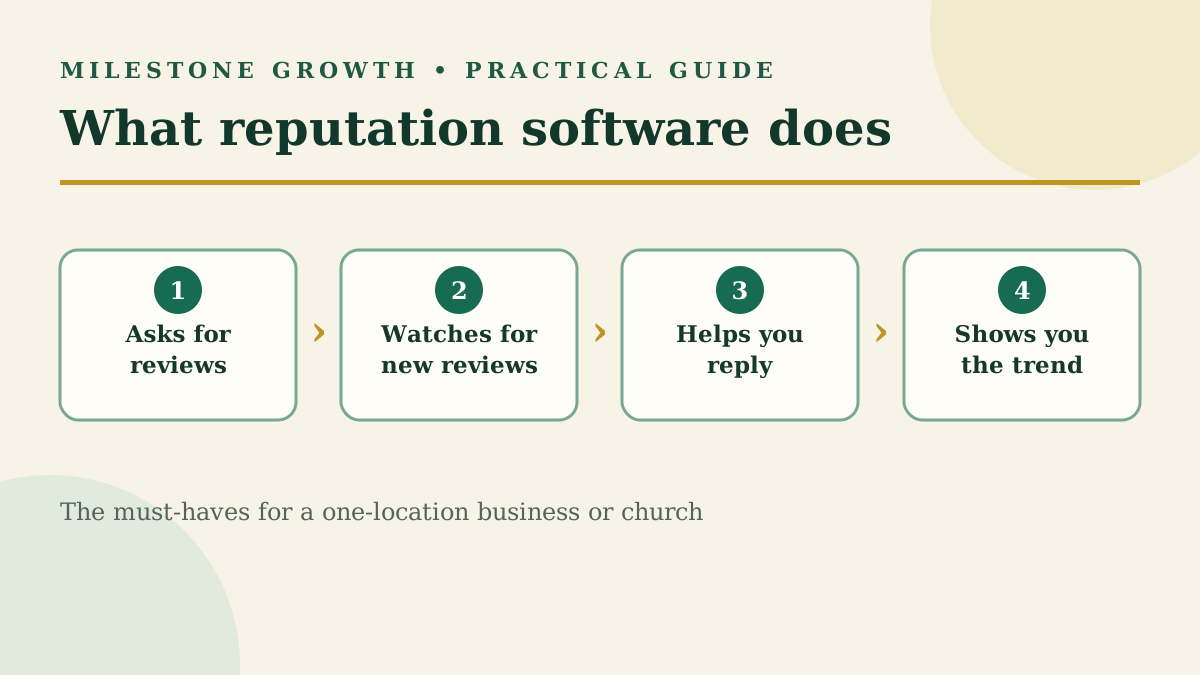
Most reputation software is built for big brands and agencies. Here's what a single-location business or church actually needs, what to skip, and what to ask before you sign.
Read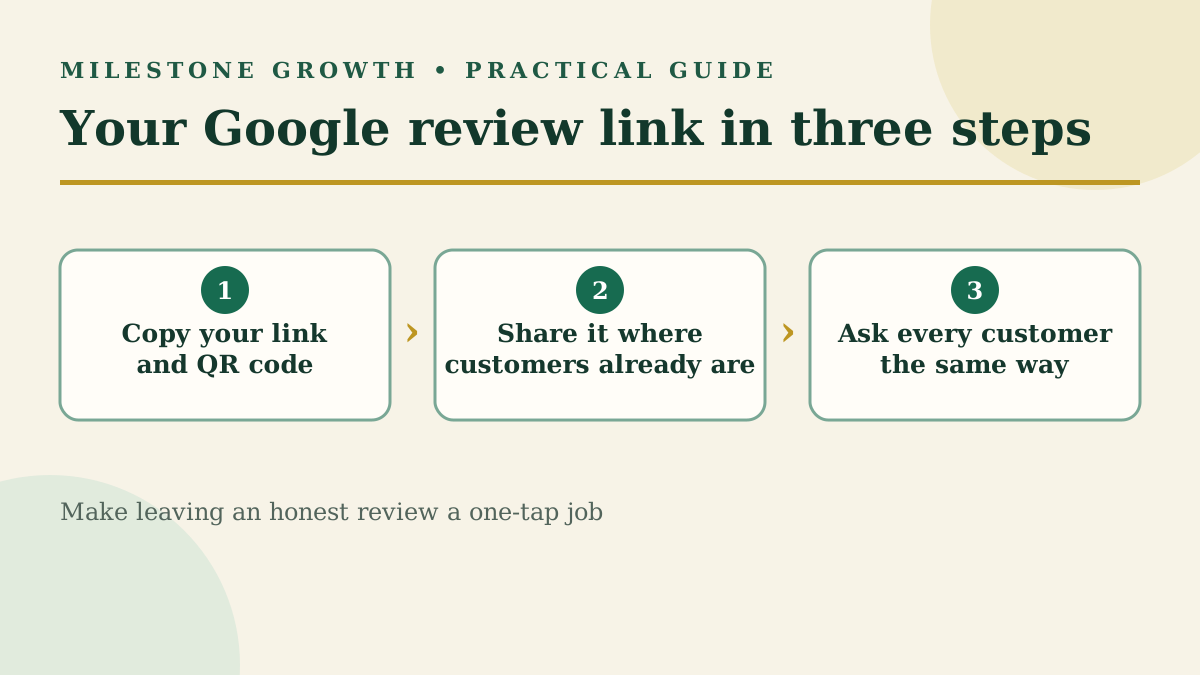
How to Find Your Google Review Link and QR Code (+ Request Templates)
Find your Google review link and QR code in under a minute, plus copy-and-paste request templates and the rules Google enforces when you ask.
Read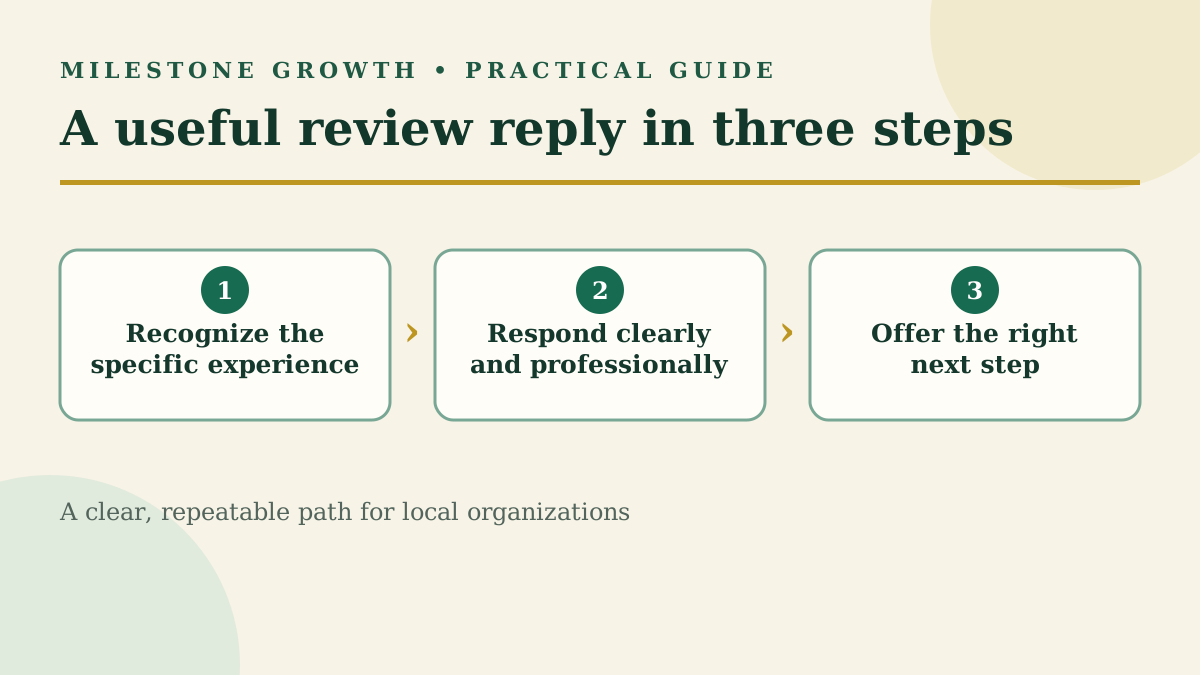
How to Respond to Google Reviews (With Examples for Every Star Rating)
Learn how to respond to Google reviews with practical examples for positive, mixed, and negative feedback—without sounding copied or defensive.
Read