
Best AI SEO Tools for Small Businesses: A Practical, Task-by-Task Guide
Which AI SEO tools does a small business actually need? A task-by-task guide to research, content, technical and local SEO tools, with a free starter set and advice on what's worth paying for.
The best AI SEO tool for a small business is the one that saves time on a task you already do every week. A keyword research platform, a writing assistant, a content optimizer and a website crawler each solve different problems. Buying all of them at once usually means overlapping subscriptions and generic content.
This guide is written for small business owners and the small teams who help them. It sorts legitimate tools by task, starts with what's free, and explains when a paid tool is worth it. Inclusion isn't an endorsement, and features and prices change often, so check each provider's official site before you commit.
Do small businesses need AI SEO tools?
Not always. Many small businesses get most of their search results from a handful of basics: an accurate Google Business Profile, honest reviews, a fast website that clearly says what you do and where, and a few useful pages that answer customer questions. Our local SEO guide for small businesses covers those basics, and 15 common reasons a website isn't ranking helps you spot what's holding yours back.
AI tools help when you have more work than time: sorting keyword lists, outlining a page, drafting a first version, or making sense of a long technical report. They don't replace knowing your customers, and they can't make an unhelpful page rank.
AI SEO tools by task: a quick comparison
| Task | Start with (free) | Paid tools to consider |
|---|---|---|
| See how you show up on Google | Google Search Console, Google Business Profile | Rank tracking inside an SEO platform |
| Keyword and competitor research | Search Console queries, Google Trends | Semrush, Ahrefs |
| Content briefs and on-page checks | A general AI assistant with a clear prompt | Clearscope, Surfer, Frase |
| Drafting and editing | Free versions of ChatGPT, Claude or Gemini | Paid assistant plans, Jasper, Copy.ai |
| Technical checks | Search Console reports, free crawler versions | Screaming Frog (paid license), Sitebulb |
| Local search | Google Business Profile, Bing Places | Local SEO platforms (see our local SEO tools buyer's guide) |
A free AI SEO starter set for small businesses
- Google Search Console. Shows the searches people use to find you, your clicks and impressions, and pages Google has trouble indexing. It's the most reliable keyword data you'll get, because it comes from Google about your own site.
- Google Business Profile. For local businesses, your profile often matters as much as your website. Keep hours, categories, photos and services current. See our Google Business Profile optimization guide and how to rank higher on Google Maps.
- Google Trends. Shows whether interest in a topic is rising or seasonal. It shows relative interest, not search volume.
- Bing Webmaster Tools. Free, and it covers Bing, whose results also feed Microsoft's Copilot.
- One general AI assistant. Use it for bounded jobs: grouping keywords, outlining a page, suggesting FAQ questions or tightening a draft. Check every fact it gives you.
Spend a month with this set before you buy anything. You'll learn which task takes most of your time, and that tells you which paid tool, if any, is worth it.
Best AI tools for SEO research
Semrush
Semrush combines keyword research, competitor analysis, site audits, content tools and AI-assisted features. It suits businesses or agencies that want research and tracking in one place. Its breadth is also its cost: a small business should be sure it will use enough of the suite to justify the subscription.
Ahrefs
Ahrefs is widely used for backlink analysis, keyword research, competitor discovery, rank tracking and site audits, with AI assistance in parts of its workflow. It's strongest when links and competitor data are central to the job. Treat its traffic and keyword numbers as estimates, not exact figures.
Best AI tools for content briefs and on-page optimization
Clearscope
Clearscope helps you research a topic and check how fully a draft covers it. It suits teams that publish regularly and want consistent briefs. A content grade isn't a ranking guarantee, and suggested terms should never be forced in where they make the writing worse.
Surfer
Surfer analyzes the pages that already rank and offers AI-assisted drafting based on those patterns. It can help structure a draft or spot topics you've missed. Treat its suggestions as research prompts, not a formula.
Frase
Frase combines search-result research, outlines, briefs and AI-assisted drafting in one interface, which can appeal to a one- or two-person content team. Make sure the final article reflects your own expertise, not a summary of what already ranks.
Best general AI assistants for SEO work
ChatGPT
ChatGPT can help brainstorm customer questions, group keyword lists, draft schema markup, rewrite confusing passages and suggest page structures. What it can do depends on the plan and settings. It can invent facts and sources, so verify every claim and don't paste in sensitive customer information without understanding its data controls.
Claude
Claude is useful for working through long documents, organizing research, drafting and editing. It can compare a draft with your style guide or turn approved notes into an outline. A knowledgeable person still needs to review the result.
Gemini
Gemini helps with ideas, summaries and analysis, and works inside Google's apps depending on your edition. Using a Google product doesn't give your content a ranking advantage. Judge it on output quality and fit.
AI writing assistants for marketing teams
Jasper focuses on marketing workflows, brand voice, templates and team controls, which suits businesses producing content across several channels with an approval process. Copy.ai offers AI-assisted content and sales workflows. For most small businesses, a general assistant covers the same ground until content volume grows. Neither replaces subject knowledge or original examples. Our guide to AI marketing for small businesses covers the wider picture.
Best tools for technical SEO
Screaming Frog SEO Spider
Screaming Frog is a crawler rather than an AI-first product, with a free version for smaller sites and a paid license for more. Reliable crawl data should come before any automated interpretation. Its newer AI integrations can speed up analysis, but someone still needs to tell a real problem from a harmless pattern.
Sitebulb
Sitebulb crawls websites and explains prioritized issues visually, which makes findings easier to share with non-technical teammates. Check its severity labels against what actually matters for your site.
Schema and coding help from AI assistants
General assistants can draft structured data, redirects and small scripts. Test everything. Invalid schema or an overly broad redirect can do more harm than the original problem. Validate markup and have a qualified person review changes to a live site.
AI tools for local search and AI answers
Local businesses still need an accurate Google Business Profile, honest reviews, consistent key listings and useful location content. AI can help draft review replies or service descriptions, but it should never invent customer details or reviews. Our local Maps SEO services offer hands-on help if you'd rather not do it yourself.
Search is also moving into AI-generated answers in tools like ChatGPT and Google's AI Overviews. No tool or provider can force a mention in an AI answer. Clear facts about your business, useful content and a site search engines can read are what help. Our beginner's guide to AI SEO explains the fundamentals.
Where Milestone Growth fits
Milestone Growth is an online workspace for small local businesses, not a replacement for the research platforms above. On the Growth Big plan ($99 a month), it brings together Search Console and Google Analytics 4 reporting after setup, keyword tracking from your Search Console data, an SEO checklist, basic website checks and schema markup generation with instructions. AI drafts content and recommendations, and you review everything before it's used. Nothing on your website is changed automatically, and like any tool, Milestone can't guarantee rankings.
It also covers Google review requests, AI-drafted review replies you approve and post yourself, and lead follow-up. See the full list on our features page, compare plans and pricing, or start a free 14-day trial with every feature unlocked and no credit card.
A responsible AI-assisted SEO workflow
- Define the audience and goal. Name the customer question and the action the page should lead to.
- Collect reliable sources. Use your own business knowledge, Search Console, customer conversations and official documentation.
- Use AI for a bounded task. Ask for grouping, an outline, missing questions or a rewrite, not unquestioned facts.
- Add what only you know. Real examples, prices, local details and experience that competitors can't copy from the same prompt.
- Fact-check and edit. Check names, dates, prices, links and any legal or technical claims.
- Review for search and readability. Check headings, internal links, title and description, image alt text and how it reads on a phone.
- Measure outcomes. Track calls, form leads and bookings, not just traffic or word count.
How to choose without paying for five overlapping tools
Match each subscription to a weekly task
Write down the task, who does it, how often, and what happens with the output. If nobody can say what happens after the report runs, don't buy the tool yet.
Run a short, fair trial
Give your shortlisted tools the same task and the same source material. Compare accuracy, editing time, ease of use and total cost. The fastest first draft can be the slowest finished page if it needs heavy correction.
Protect business and customer data
Read each tool's data retention, training and deletion terms. Decide what you'll never paste into an AI tool, such as customer personal information or unpublished plans.
The bottom line
For most small businesses, free Google tools, one general AI assistant and a dependable crawler are enough to start. Add a paid research platform or content optimizer only when it clearly saves time or improves quality. AI should help you do careful work faster, not replace accuracy, judgment or your knowledge of your customers.
Frequently asked questions
What is the best AI SEO tool for a small business?
There isn't one best tool. Most small businesses do well with free Google tools, one general AI assistant and, later, one paid tool for the task that takes them the most time. Pick by task, not by brand.
Are there free AI SEO tools?
Yes. Google Search Console, Google Business Profile, Google Trends and Bing Webmaster Tools are free. Most general AI assistants and many crawlers have free versions with limits. Check each provider's current terms.
Can AI do my SEO for me?
No. AI can speed up research, outlines, drafts and checks, but a person still needs to choose priorities, check facts, add real experience and publish the work. Be wary of any tool that promises rankings.
Will Google penalize AI-written content?
Google's concern is content made mainly to manipulate rankings, however it was produced. Helpful, accurate content written for people is fine. Review and edit anything AI drafts before you publish it.
Do AI SEO tools guarantee better rankings?
No. No tool or agency can guarantee rankings, Google Maps placement or mentions in AI answers. Results depend on your business, location, competition and how consistently you do the work.
Related resources
Want help putting this into practice? Milestone Growth specializes in improving your small business's online visibility — and you can also explore our AI SEO services to see exactly how we can help your business grow.
Start your free 14-day trial — every feature unlocked, no credit card, no contract.
Related Posts

Small Business Saturday 2026: A 4-Week Checklist for Local Businesses
Small Business Saturday is November 28, 2026. Here's a week-by-week checklist to get your Google profile, offer, reviews and follow-up ready in time.
Read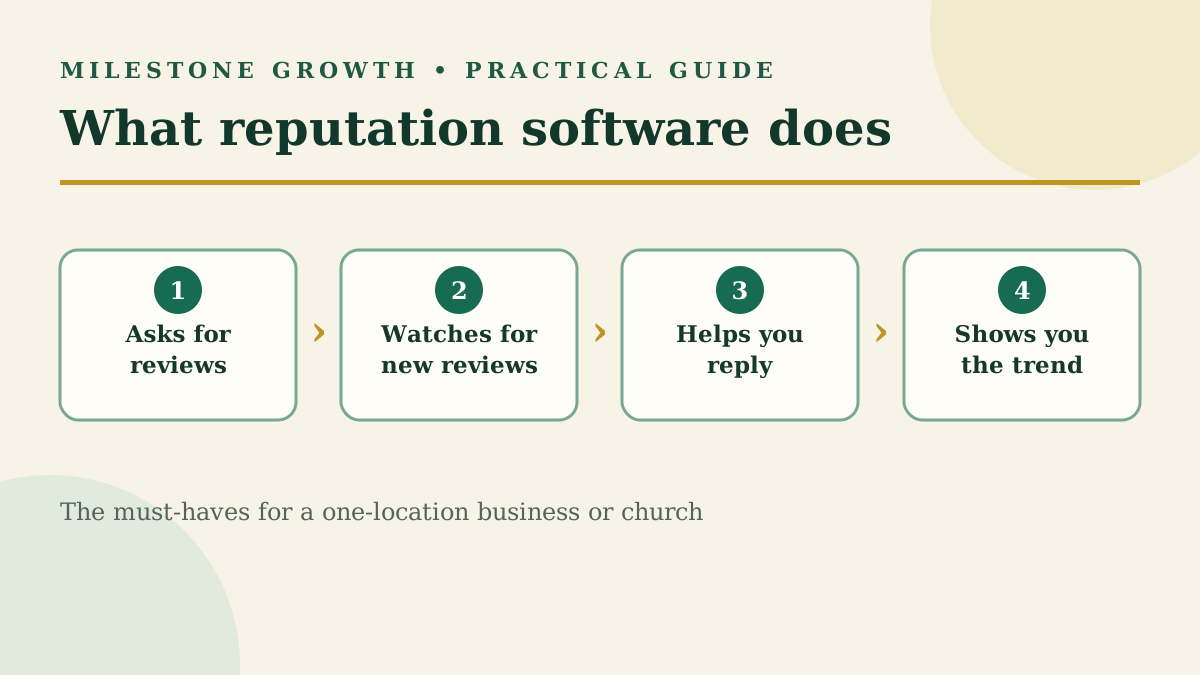
Reputation Management Software for Small Businesses: A Buyer's Guide
Most reputation software is built for big brands and agencies. Here's what a single-location business or church actually needs, what to skip, and what to ask before you sign.
Read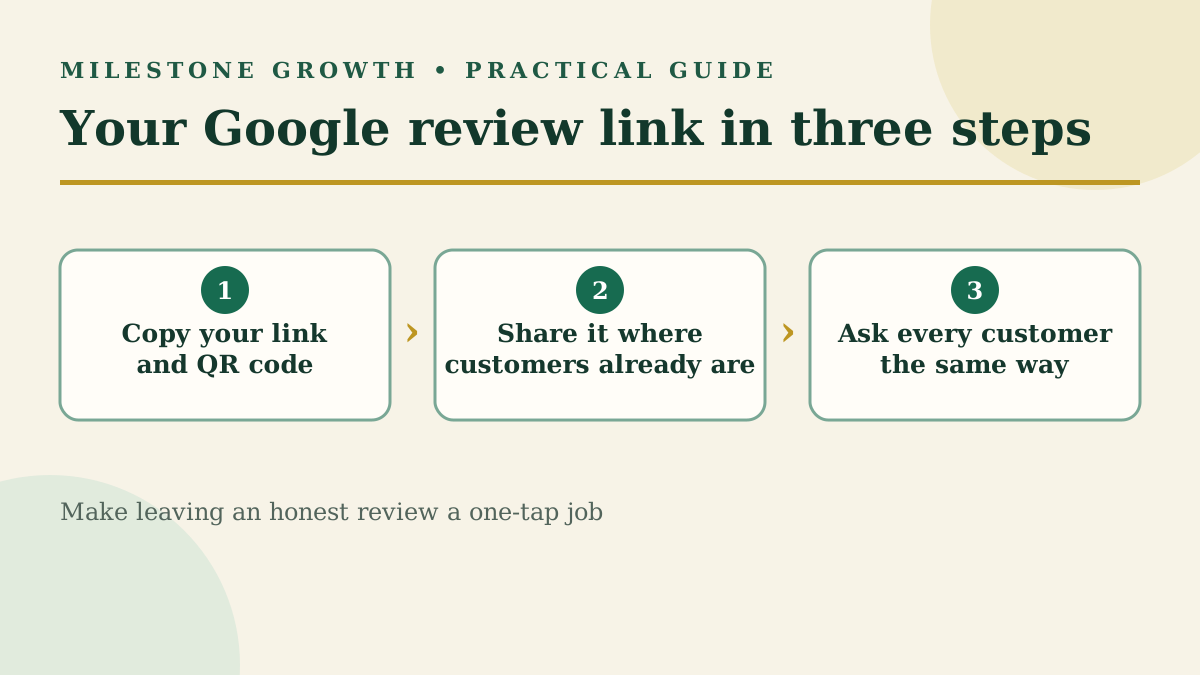
How to Find Your Google Review Link and QR Code (+ Request Templates)
Find your Google review link and QR code in under a minute, plus copy-and-paste request templates and the rules Google enforces when you ask.
Read