
What Is Review Gating? Why Google Bans It and What to Do Instead
Review gating means asking only happy customers for public reviews. Why Google prohibits it, how to spot it in a review tool, and a fair process that still works.
Review gating is screening customers before asking for a review, then sending only the happy ones to Google and steering everyone else to a private form. A common version asks "How would you rate us?" first. Five stars? Here's the Google link. Three stars or fewer? Tell us privately instead.
It sounds like a clever way to protect your rating. But Google prohibits it, and it can cost you more than a few bad reviews ever would. Here's what review gating looks like, why it's a problem and what to do instead.
This article is general information, not legal advice. For questions about your situation, talk to a qualified attorney.
Why does Google prohibit review gating?
Google's Maps content policy says businesses may not discourage negative reviews or selectively ask happy customers for positive ones. Reviews are meant to show the full range of real experiences. Gating hides the bad ones on purpose, which misleads future customers.
If Google finds reviews that break its policies, it can remove them, and a business profile can face restrictions. The same policy also bans offering discounts, freebies or other incentives for reviews.
What does the FTC say about review gating?
The FTC's rule on consumer reviews and testimonials took effect on October 21, 2024. FTC staff say the rule doesn't specifically prohibit review gating. But they also say the practice could still violate the FTC Act, which bans deceptive practices. The rule does ban fake reviews, incentives that require a particular sentiment, and using threats or false accusations to get reviews removed.
In short, gating breaks Google's rules for sure, and it may also create legal risk.
Is your review process gating customers?
| This is gating | This is fine |
|---|---|
| Only sending the Google link to customers who rate you 4 or 5 stars | Sending the Google link to every customer |
| Showing unhappy customers a private form instead of the Google option | Offering a private feedback option alongside the Google link |
| Staff asking for reviews only when a visit went well | Asking every customer the same way, every time |
| Hiding the review option from people who complained | Replying publicly and politely to complaints |
Check your review software too. Some tools gate customers by default with a "smart" first question. Ask your vendor directly: does every customer see the Google review option, whatever rating they choose? Our reputation management software guide lists other questions to ask before you sign.
What should you do instead of review gating?
- Ask every customer. Make it part of your routine after every visit or job. Our guide to getting more Google reviews has 12 practical ways.
- Make it easy. Send your direct Google review link by email or text, or print the QR code. See how to find your Google review link.
- Offer a private option fairly. If you want to hear about problems first, add a "tell us directly" option next to the Google link, not in front of it.
- Reply to everyone. A calm, helpful reply to a bad review often reassures future customers more than another five stars. Read how to respond to negative Google reviews.
- Fix the cause. Patterns in honest reviews tell you what to improve.
A steady flow of honest reviews, good and bad, looks more trustworthy than a perfect 5.0.
How does Milestone Growth handle review requests?
Milestone Growth's review page offers every customer your Google review link, whatever their rating. Private feedback is an optional extra shown alongside the link. It never replaces it. You send email review requests one at a time, in your business's name. When a review comes in, AI drafts a reply, and you approve or edit it, then post it on Google yourself.
See the review features, compare plans starting at $49 a month, or start a free 14-day trial with no credit card.
Frequently asked questions
What is review gating?
Review gating is screening customers first, then asking only the happy ones to leave a public review while steering unhappy ones somewhere private.
Is review gating illegal?
Google's policy prohibits it on Google. The FTC's 2024 review rule doesn't specifically ban it, but FTC staff say it could still violate the FTC Act. Talk to a lawyer about your situation.
Can I still collect private feedback?
Yes, as long as every customer is also offered the public review link. Private feedback should sit alongside the Google option, never in front of it.
What happens if Google catches review gating?
Google can remove reviews that break its policies, and it may restrict a business profile. It's not worth the risk.
Related resources
- How to find your Google review link and QR code
- How to get more Google reviews
- Reputation management software buyer's guide
- How to respond to negative Google reviews
- Prohibited & restricted content — Maps User Generated Content Policy
- Consumer Reviews and Testimonials Rule: Questions and Answers — Federal Trade Commission
Want help putting this into practice? Milestone Growth specializes in local SEO and digital growth services — and you can also explore our Google review tools to see exactly how we can help your business grow.
Start your free 14-day trial — every feature unlocked, no credit card, no contract.
Related Posts
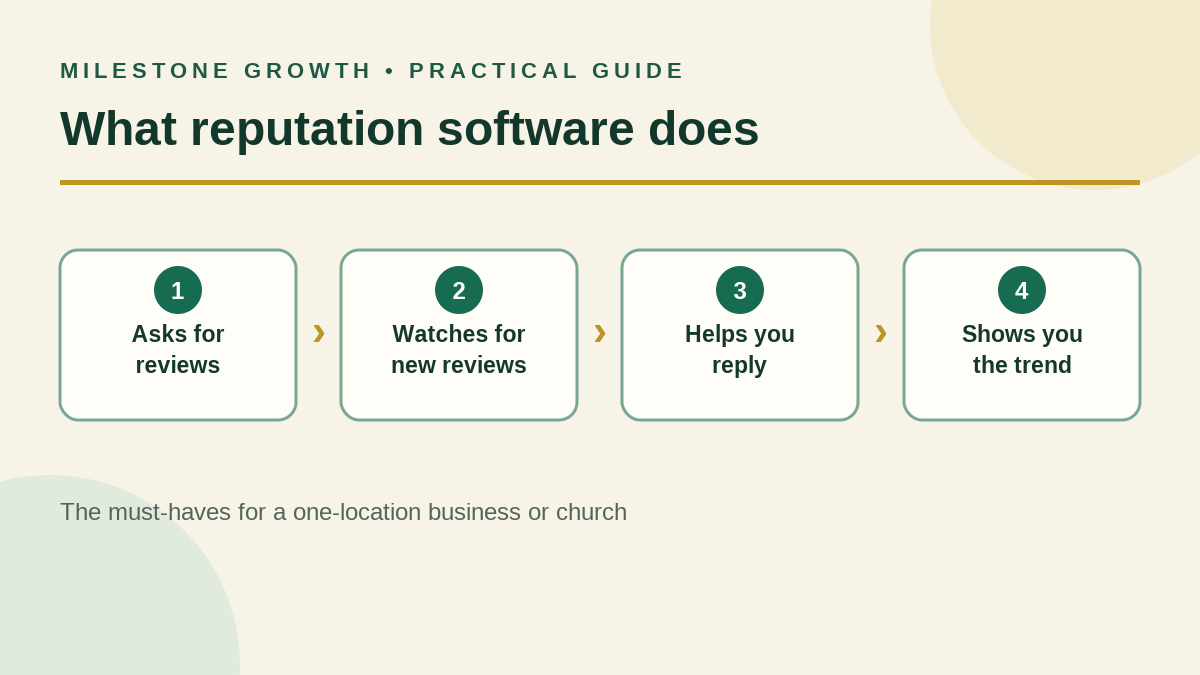
Reputation Management Software for Small Businesses: A Buyer's Guide
Most reputation software is built for big brands and agencies. Here's what a single-location business or church actually needs, what to skip, and what to ask before you sign.
Read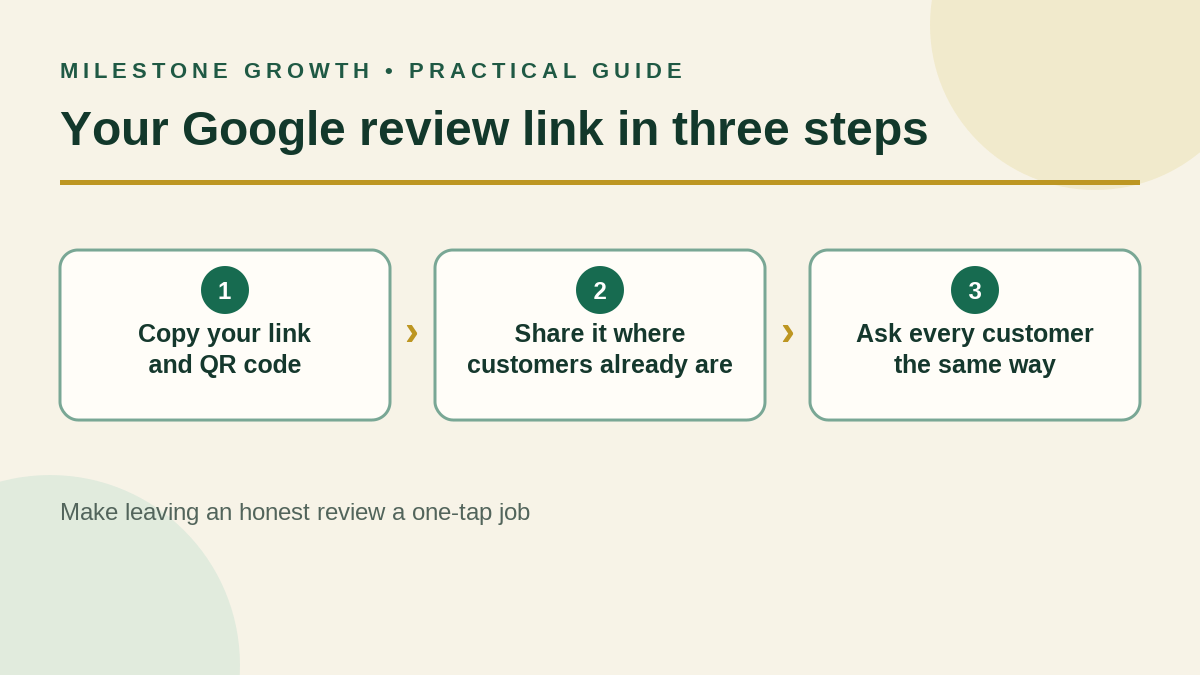
How to Find Your Google Review Link and QR Code (+ Request Templates)
Find your Google review link and QR code in under a minute, plus copy-and-paste request templates and the rules Google enforces when you ask.
Read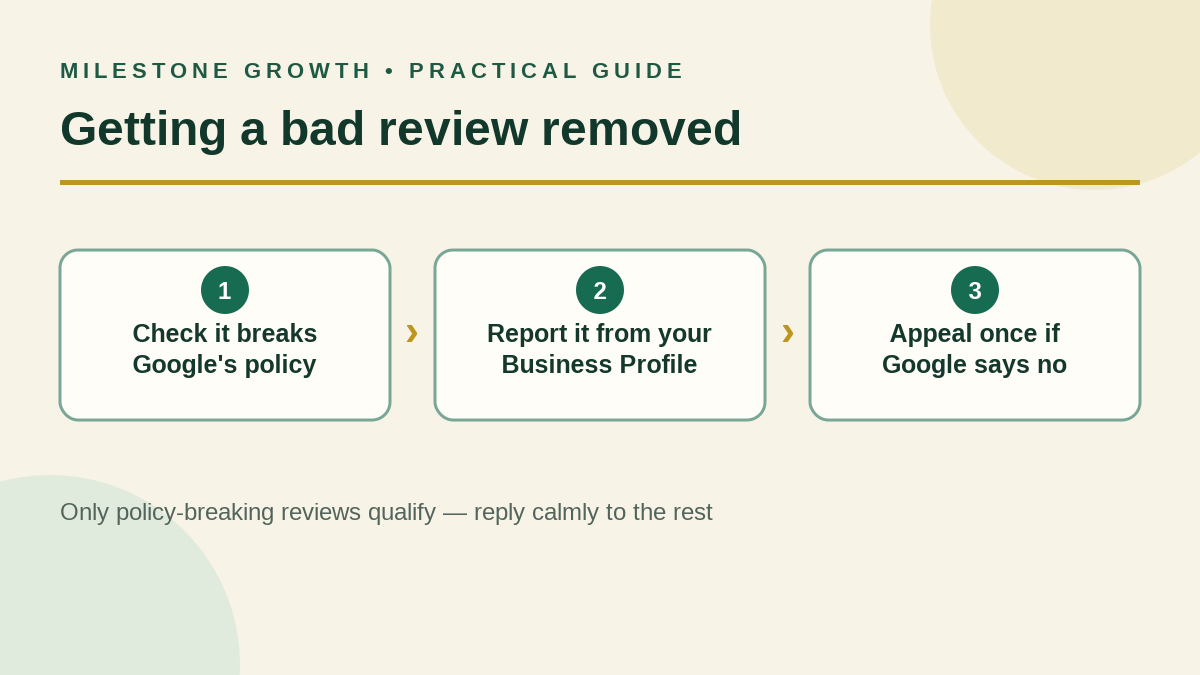
How to Remove a Google Review: What Google Will (and Won't) Delete
Business owners can't delete Google reviews, but policy-breaking ones can be removed. Here's the exact reporting and appeal process, step by step.
Read